
Thunderstorm season here brings brief interruptions and voltage sags along with full outages. Cooling equipment responds to those events with protective delays, tripped breakers, blown low-voltage fuses, and occasionally damaged components.
Work through the checks below before requesting service, and be ready to describe what happened in detail.
Give it a few minutes first
Many systems include a built-in delay of up to five minutes after power is restored to protect the compressor. If cooling does not start immediately, wait before touching anything.
Check power in stages
- Confirm the rest of the house has power
- Check the breaker for the indoor air handler and the breaker for the outdoor unit
- Confirm the breaker serving the outdoor unit is set, without opening any electrical enclosure
- Make sure the indoor service switch near the air handler was not bumped off
- Reset a tripped breaker one time only
Check the thermostat
A blank or reset thermostat is common after an outage. Replace batteries, confirm mode is COOL and fan is AUTO, and check that a schedule did not revert to a default setpoint. Smart thermostats sometimes need to rejoin Wi-Fi before schedules resume.
Look for signs of damage
Burning smells, scorch marks, a breaker that will not hold, or a humming outdoor unit that will not start all suggest something failed during the event. Leave the system off and describe what you observed.
Why outages damage equipment
Voltage sags force motors to draw high current, which is hard on capacitors, contactors, and windings. Repeated cycling during a storm compounds the stress, which is why capacitor failures often follow storm weeks.
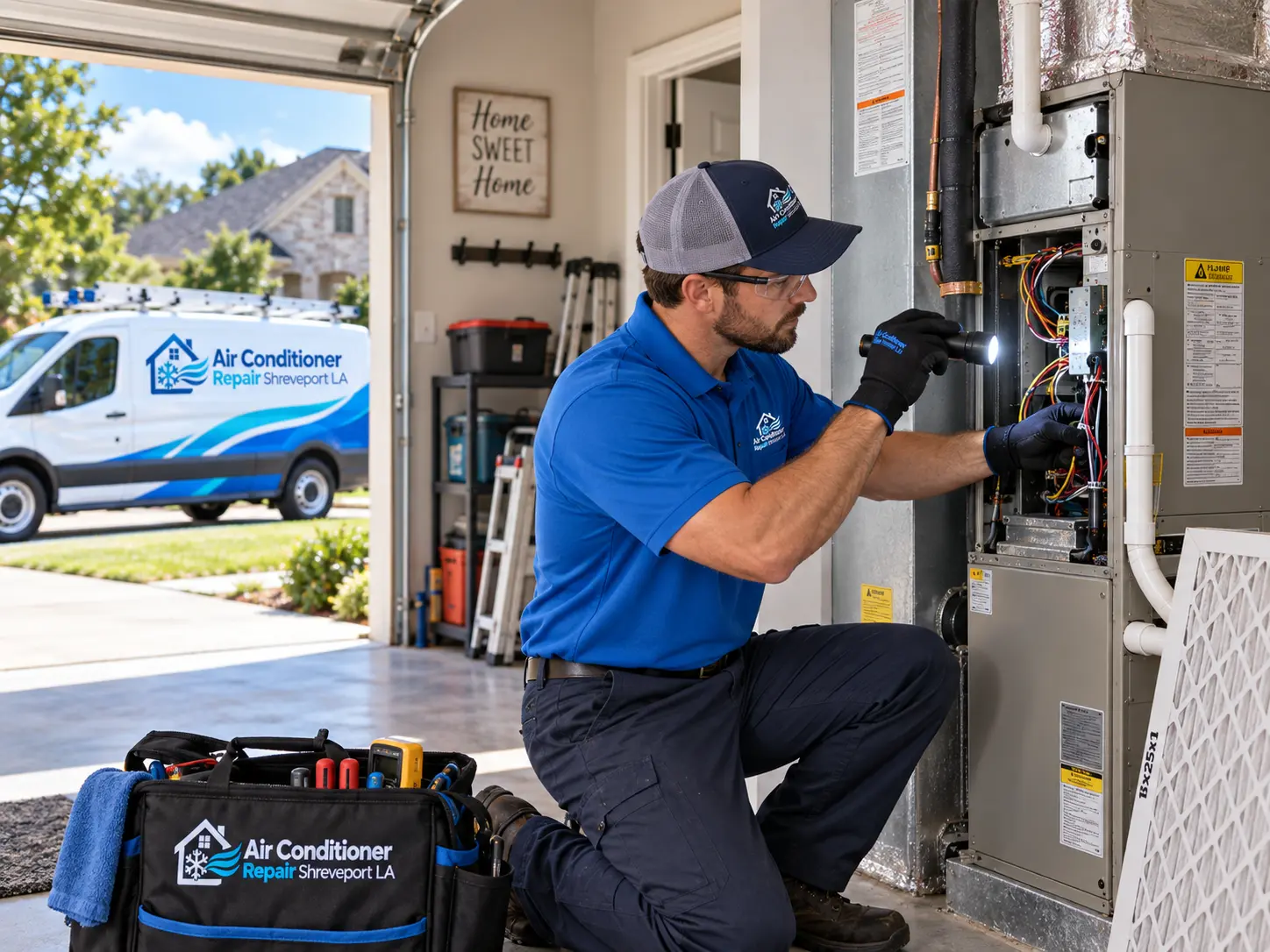
Individuals shown in photographs on this website are actors or models and are not contractors listed on or dispatched by this site.